Dear Invisible Friends,
Let’s talk about logos and why I took a different route than just letting AI handle everything. You might think that using a generator for my brand name would be simple. There are so many AI tools out there. However, I didn’t choose that route. But that’s not what happened.
🖌️ Why I Didn’t Let AI Design My Logo
First, some real talk about the design world. The World Economic Forum’s Future of Jobs Report 2025 states that graphic design is now one of the fastest-declining jobs. This decline is mostly due to AI and automation. The same report says that 41% of companies are planning to cut jobs because of these new technologies. So, if you’re a designer and feeling the heat, you’re definitely not alone. But the report also points out that jobs needing creativity, cultural understanding, and strategy are sticking around[1].
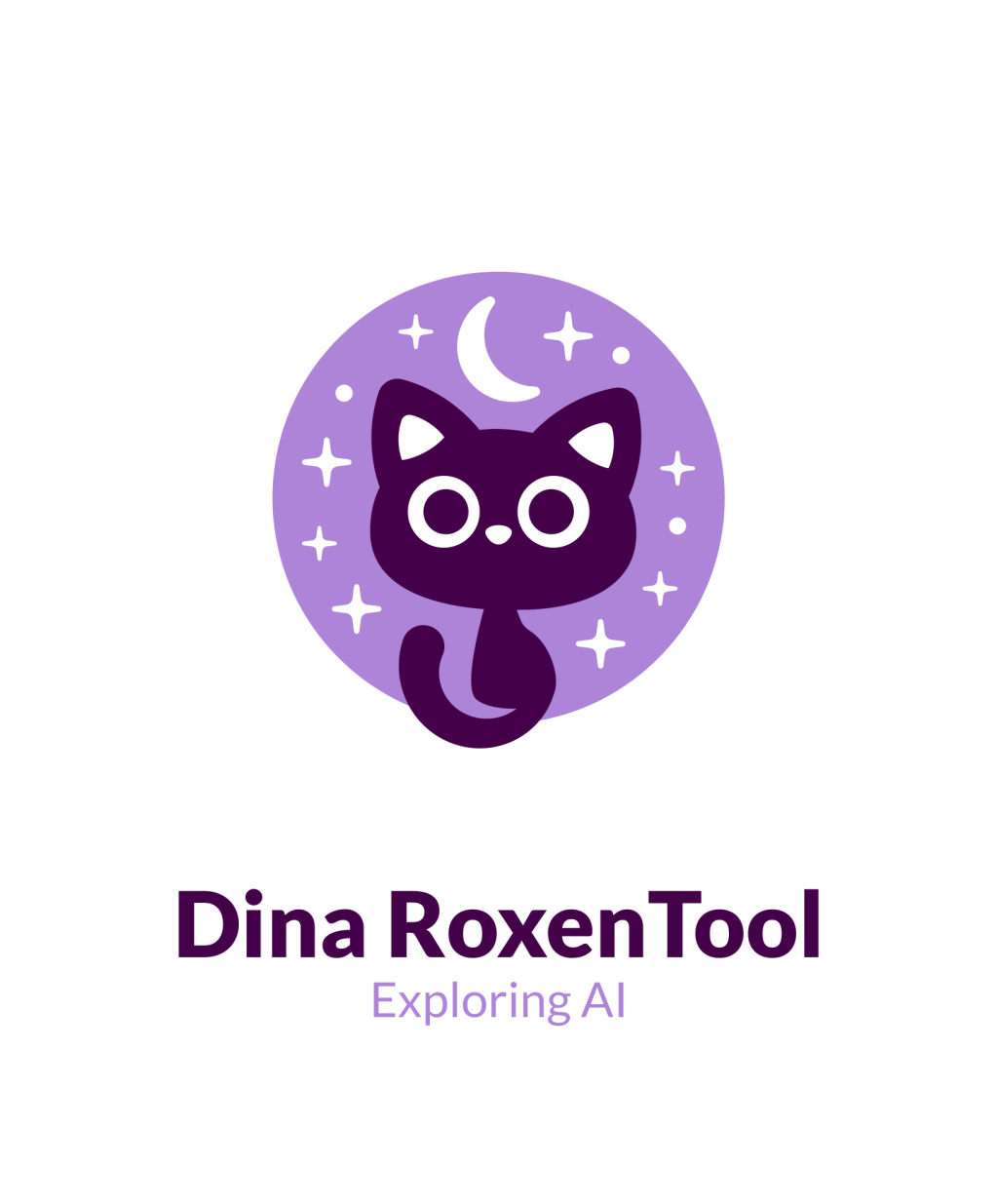
Now, about my own logo. I didn’t go to an AI logo generator. Instead, I went to Fiverr. Fiverr’s Logo Maker is a bit different from the usual AI tools. It’s packed with pre-made logos created by real designers. You can browse, pick one you like, and then customize it with your own colors, fonts, and details. That’s what I did. I bought a design that someone had already made. Then, I tweaked it to fit my brand. I didn’t have to wait for a custom order. There was no AI randomness. It was just a real human’s work that I could make my own. I liked knowing my money was supporting a designer. When I discuss the ethics of AI, I want to lead by example.
🧪 I Asked AI to Design My Logo-Here’s What Happened
I have also tried generating logos with different Large Language Models (LLMs), just to see what would happen. Sometimes the results are interesting. However, they often feel a bit generic. They just don’t quite fit my vibe. There’s something about starting with a human-made design and making it your own that feels more genuine.
Note: I used the Windows Snipping Tool to take screenshots quickly. The images from ChatGPT might look sharper. I downloaded them directly and then uploaded them here. The Snipping Tool screenshots can sometimes lose a bit of quality during capture or saving.
LLM Logo 1 (ChatGPT-4o)

LLM Logo 2 (Claude Sonnet 4)
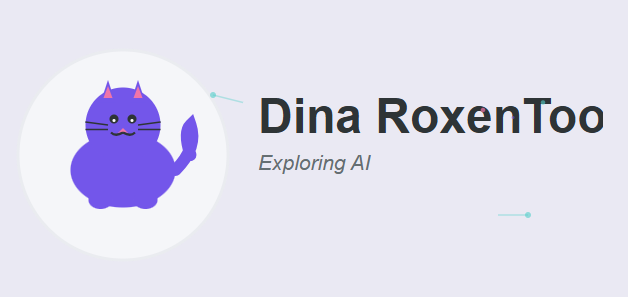
LLM Logo 3 (Canva)

LLM Logo 4 (DeepThink (R1) improved my original prompt, and also generated this text-cutie)
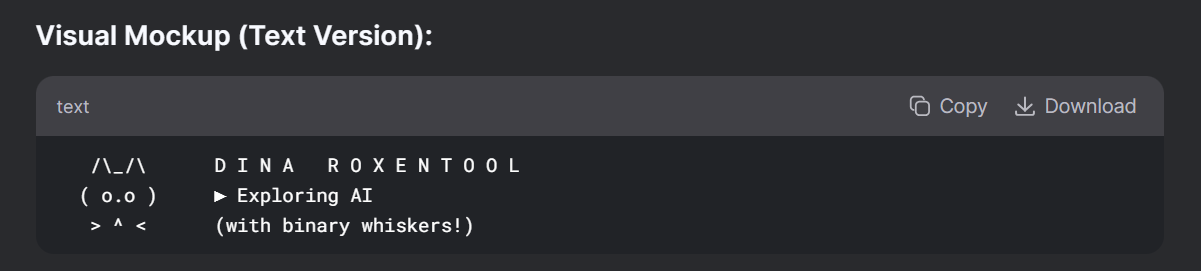
LLM Logo 5 (ChatGPT-4o with improved prompt)
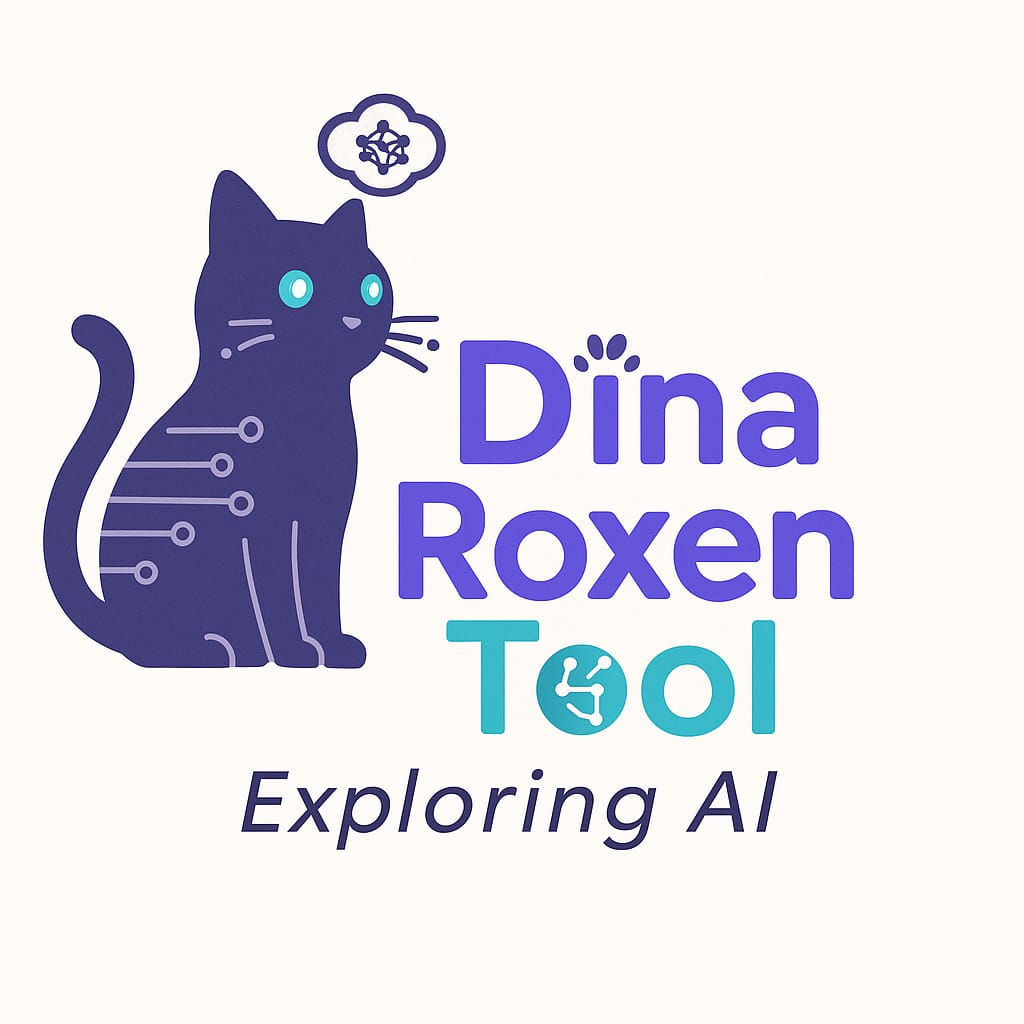
LLM Logo 6 (Canva with improved prompt)

LLM Logo 7 (GPT-4o after making a screenshot of this post and ask ChatGPT for a better prompt.
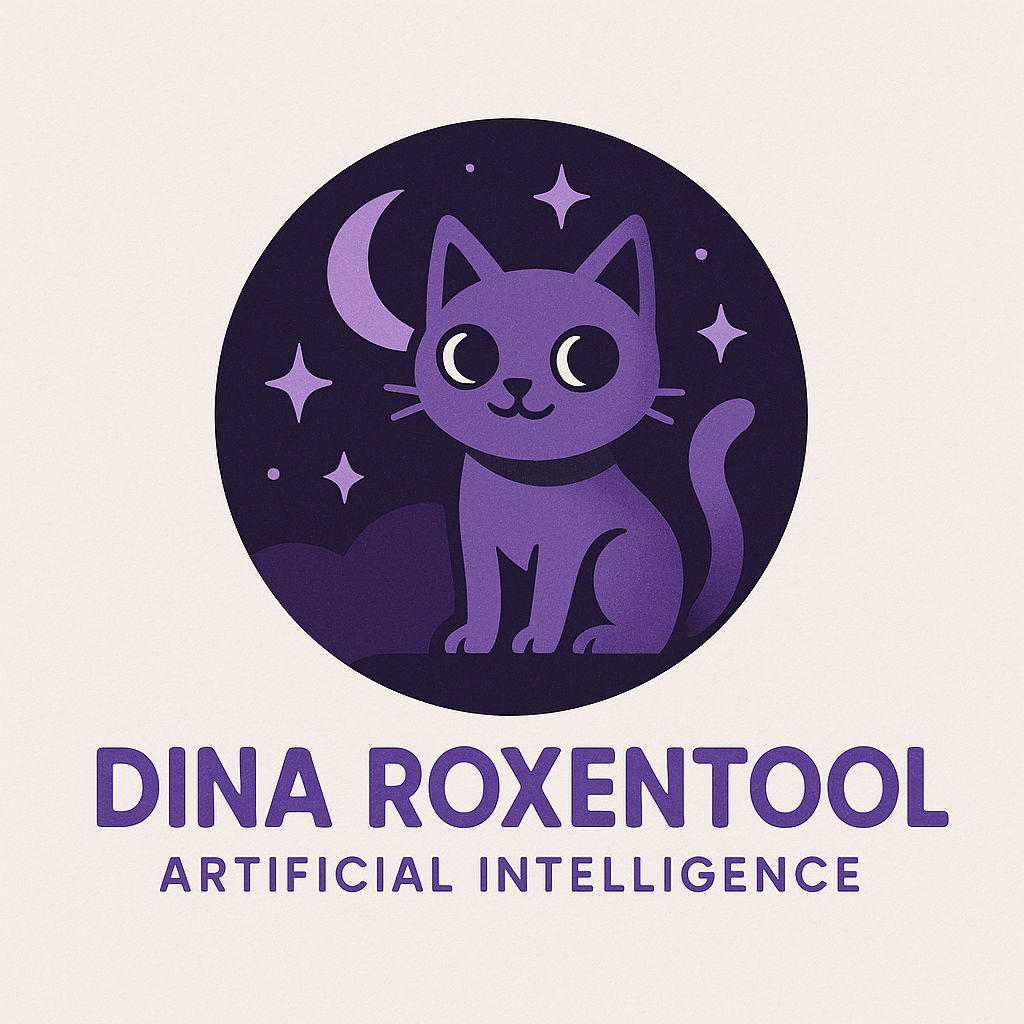
LLM Logo 8 (Canva but the GPT-4o improved prompt)
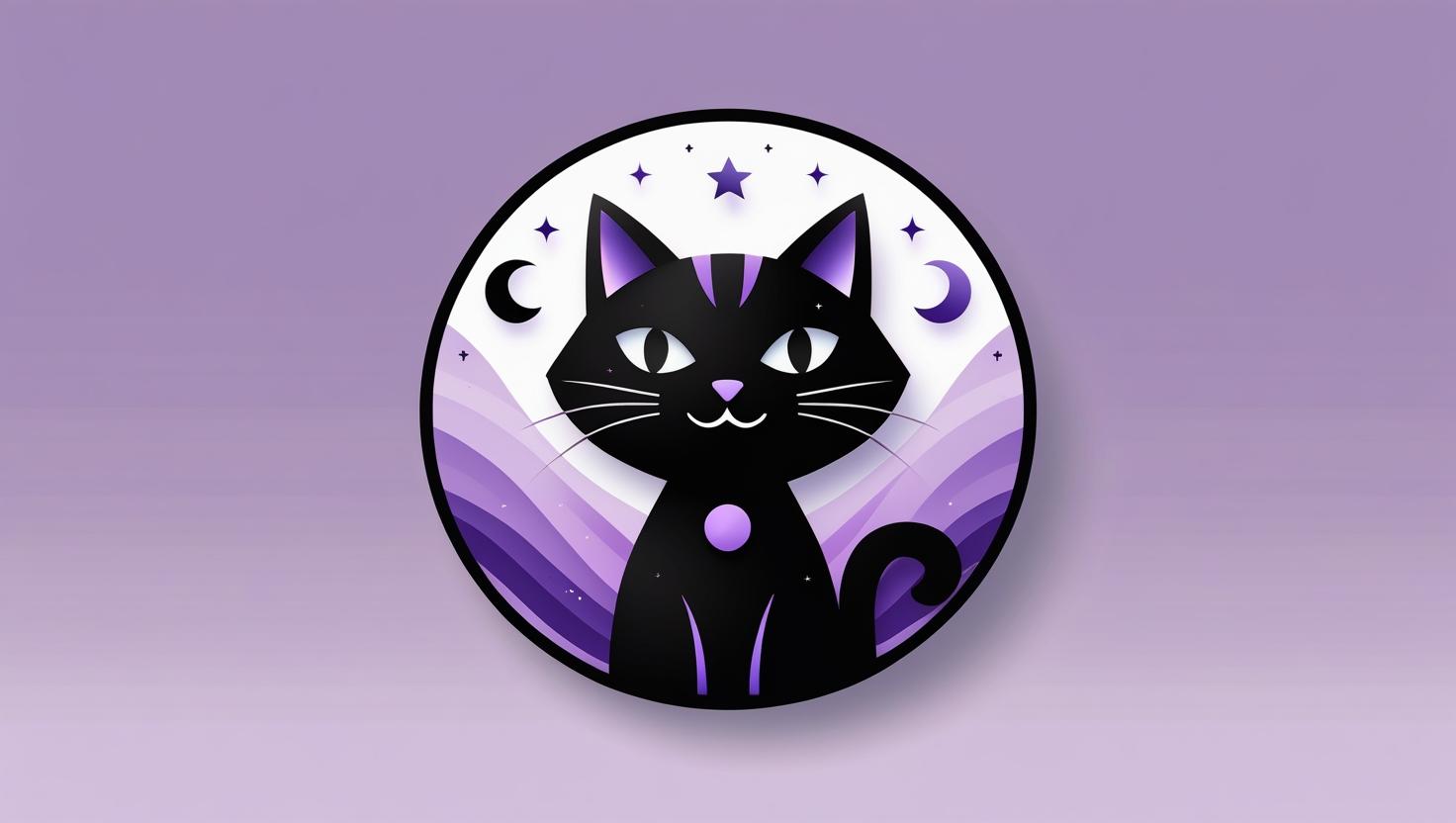
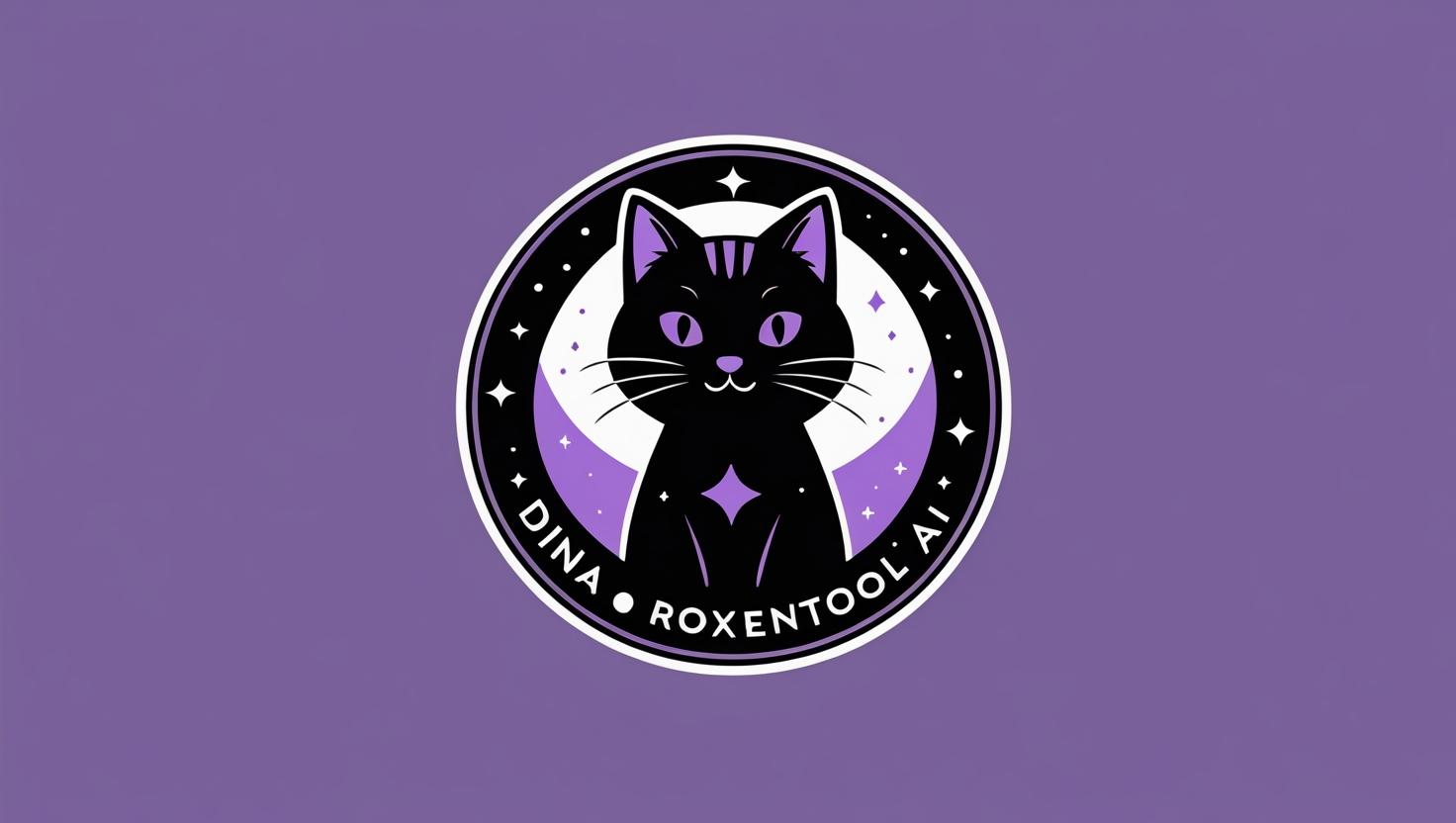
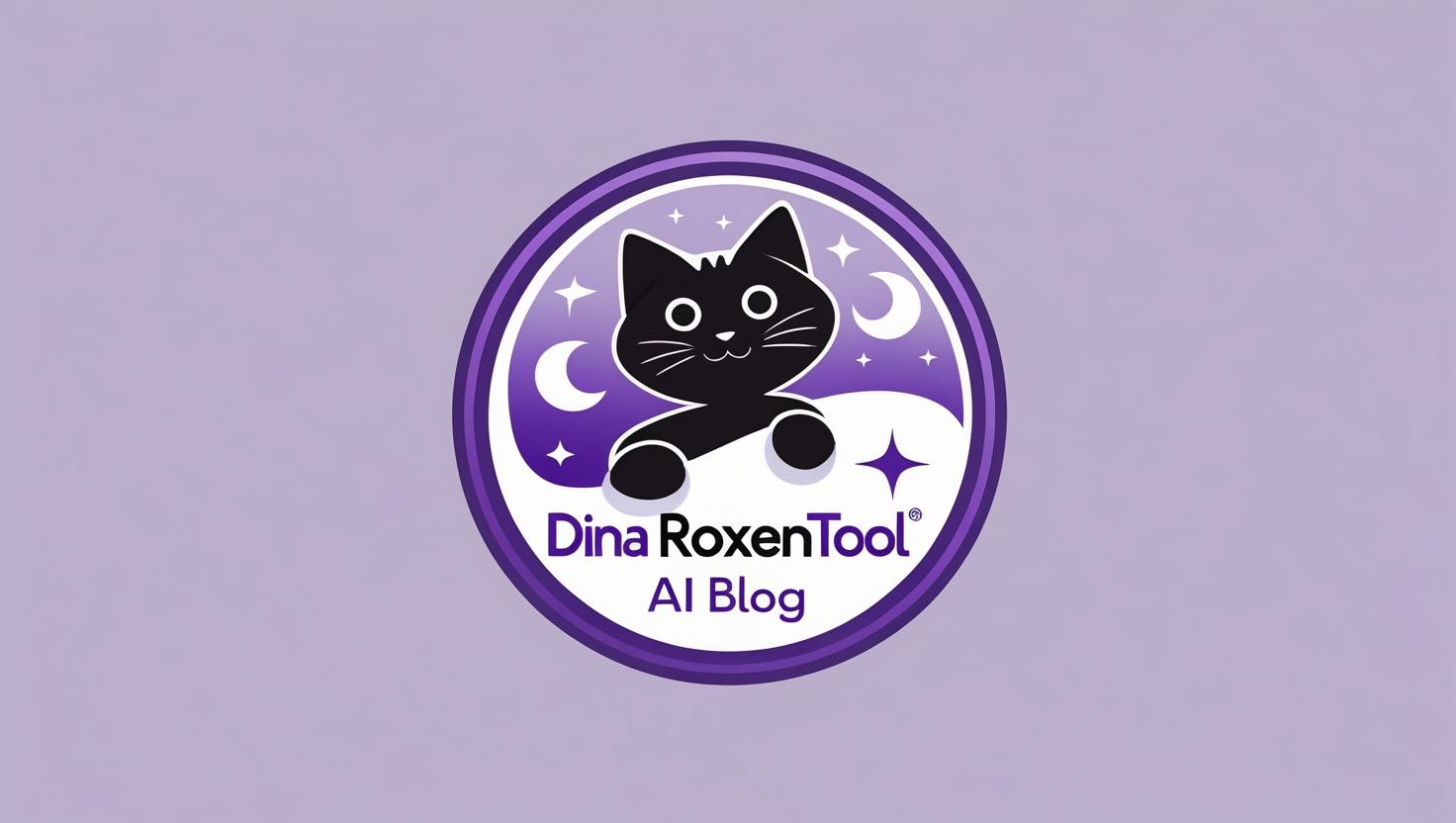
LLM Logo 9 (Canva and with the latest prompt)

LLM Logo 10 (GPT-4o with the latest prompt)
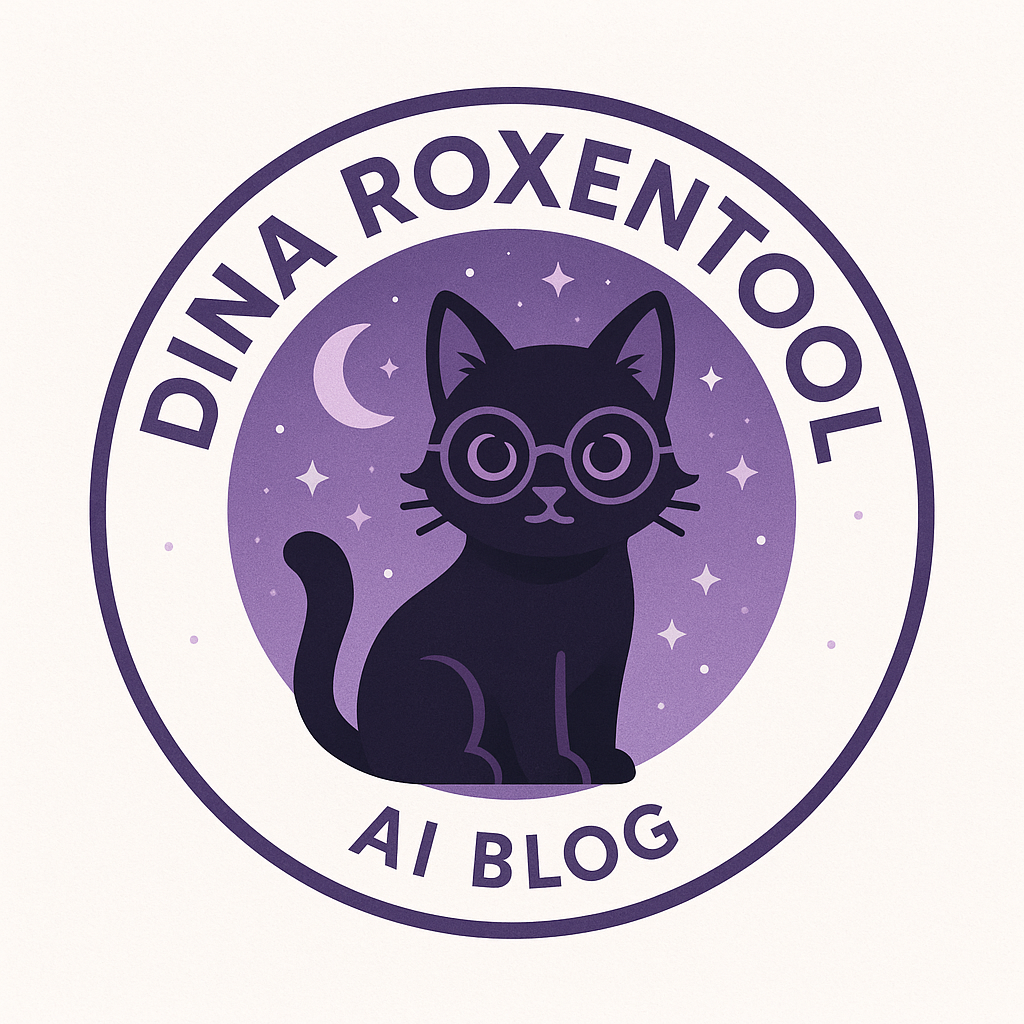
🎨 Which Logo Design Do You Prefer?
So here’s my question for you: Which logo do you think looks more professional? Is it the one I customized from Fiverr, or the ones made with GenAI? Drop your thoughts in the comments. I’m curious to see if you can spot the difference.


🤔 So… Where Do You Draw the Line with AI?
This article was written with the help of Perplexity (ppx-3) and DeepThink (R1). My cat also contributed. My Iced Green Tea and my fan kept me company (it’s hot here). I still used LLMs to help me write this post because I am experimenting with summarizing and checking references. What about you? Let me know in the comments below.
RoxenOut!
References:


Leave a comment